Write. Calculate. Present.
YSN Office opens, edits and saves Word, Excel, PowerPoint and OpenDocument (ODF) files in their own formats. It edits PDFs and signs them electronically, and it handles your email and calendar. Fast, made in Türkiye, and free for personal use.
The desktop version runs for 30 days without a key, then continues with a free personal key.
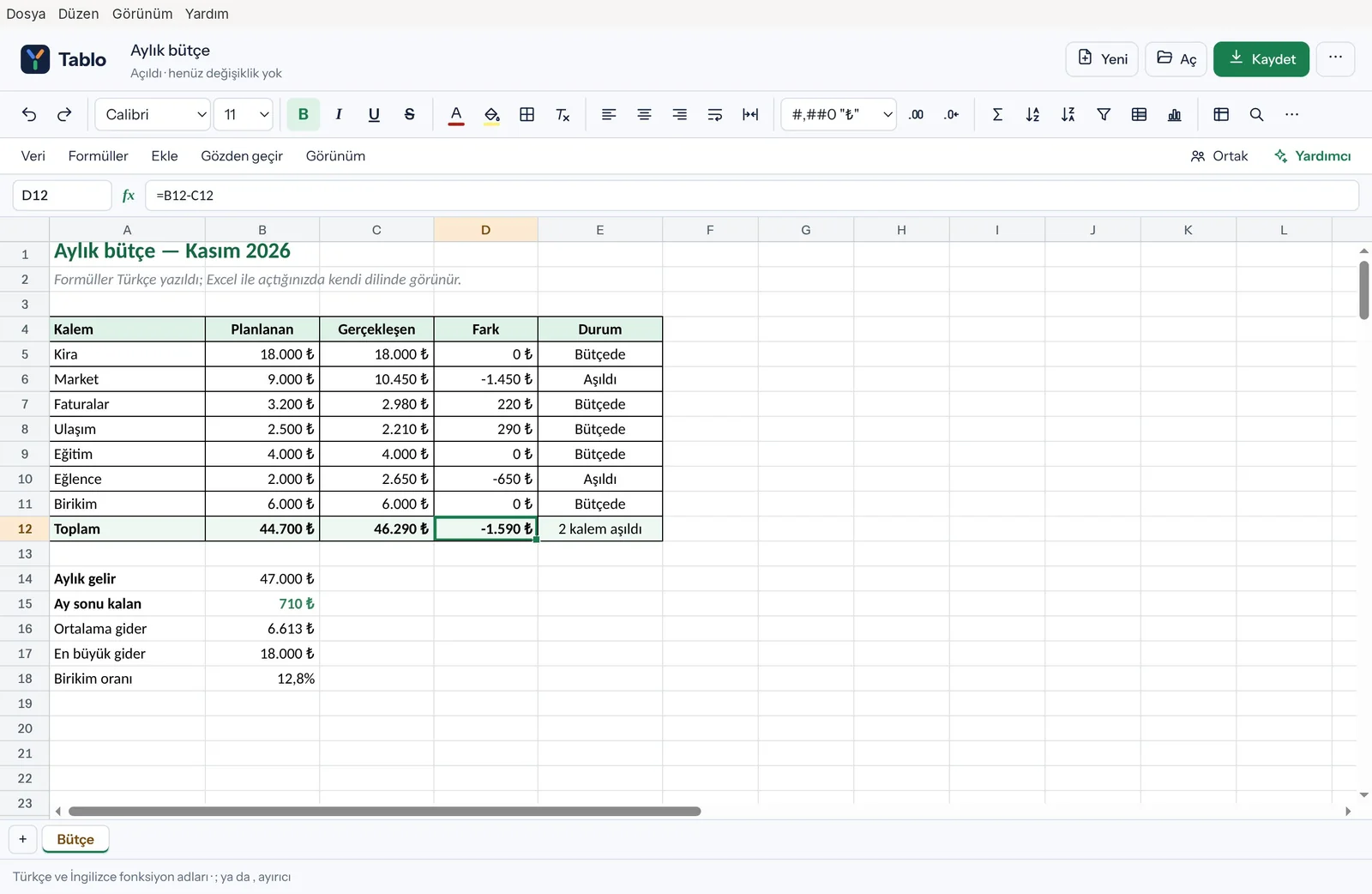
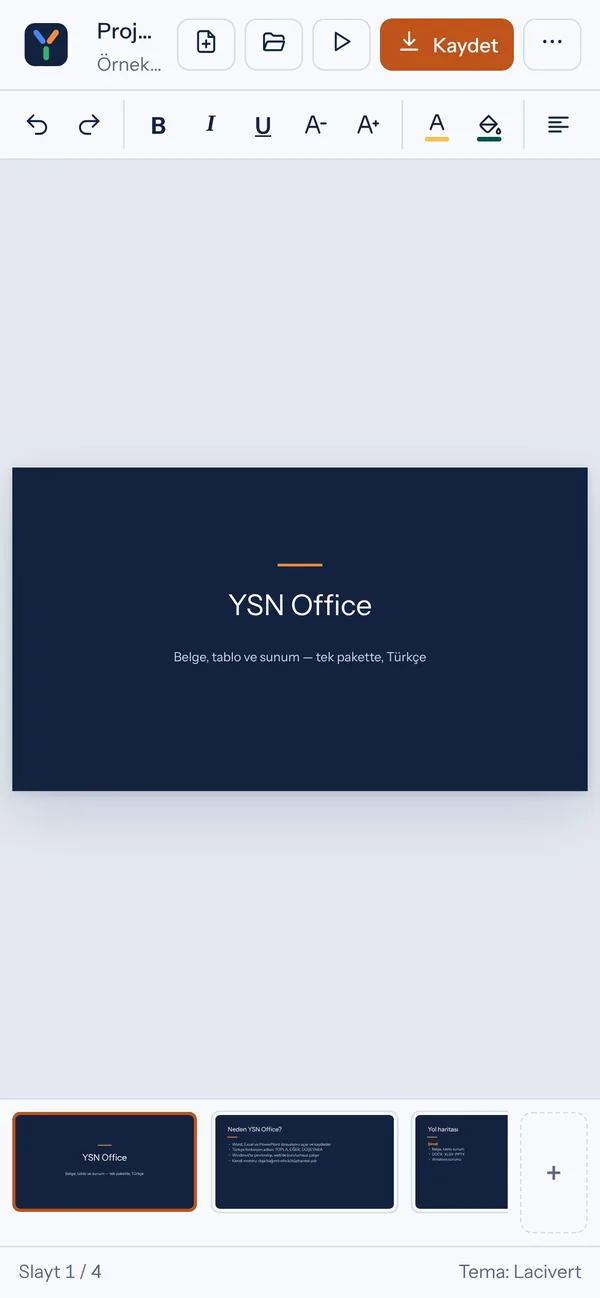
In your browser, without an account
A quick correction, a small table, a two-slide presentation or merging two PDFs shouldn’t need an installation or a new account. The Lite version opens in your browser, and your document is never sent to our server.
- Open. Drag your file onto the page or start with a blank document.
- Edit. Add a table, align text, add colour, make a bulleted list.
- Save. The file downloads to your computer as .docx, .xlsx or .pptx, or in OpenDocument format (.odt, .ods, .odp).
It also works in the browser on phones and tablets; iPhone and Android apps are on the way. Unfinished work is kept as a draft in your browser.
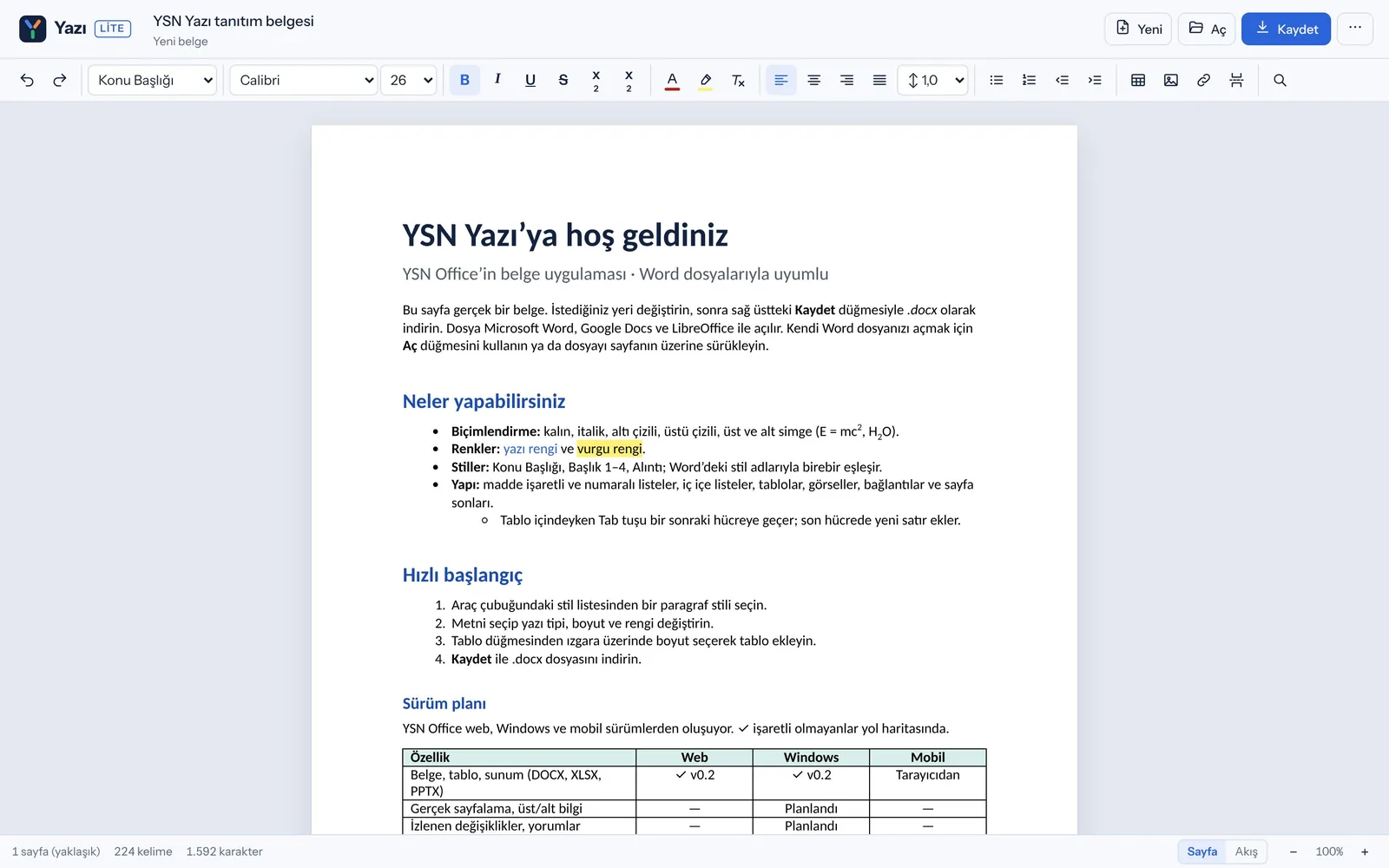
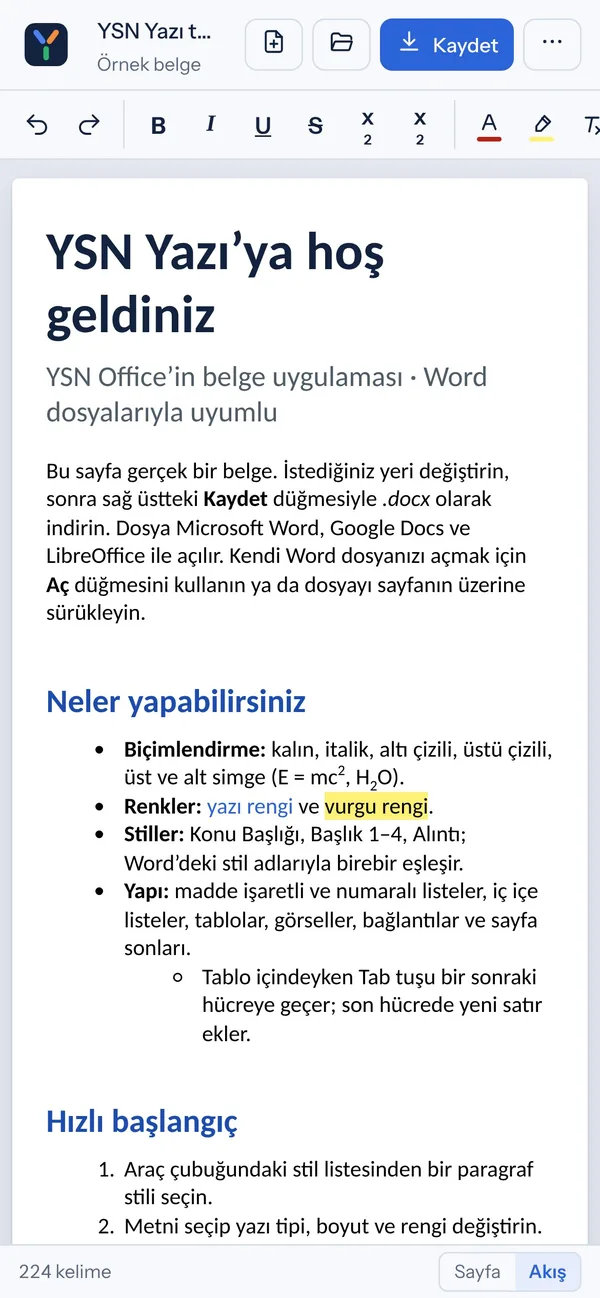
Five apps, one suite
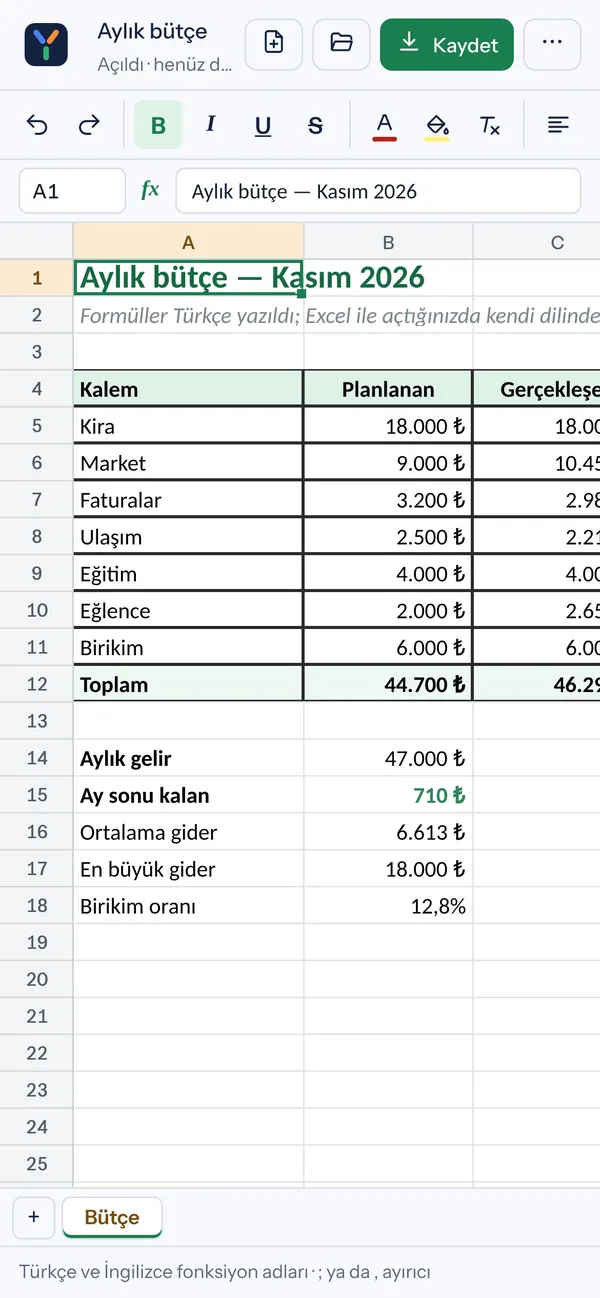
Each app has its own colour; buttons, shortcuts and menus are in the same place in all of them. Yazı, Tablo, Sunum and PDF also open in the browser; Posta and the advanced features are in the desktop version.
YSN Yazı
- Styles match the names used in Word: Heading 1, Quote, Title
- Page layout, headers and footers, page numbers, PDF export
- Table of contents, footnotes, tracked changes and comments
- Templates for official letters, petitions and minutes; mail merge
YSN Tablo
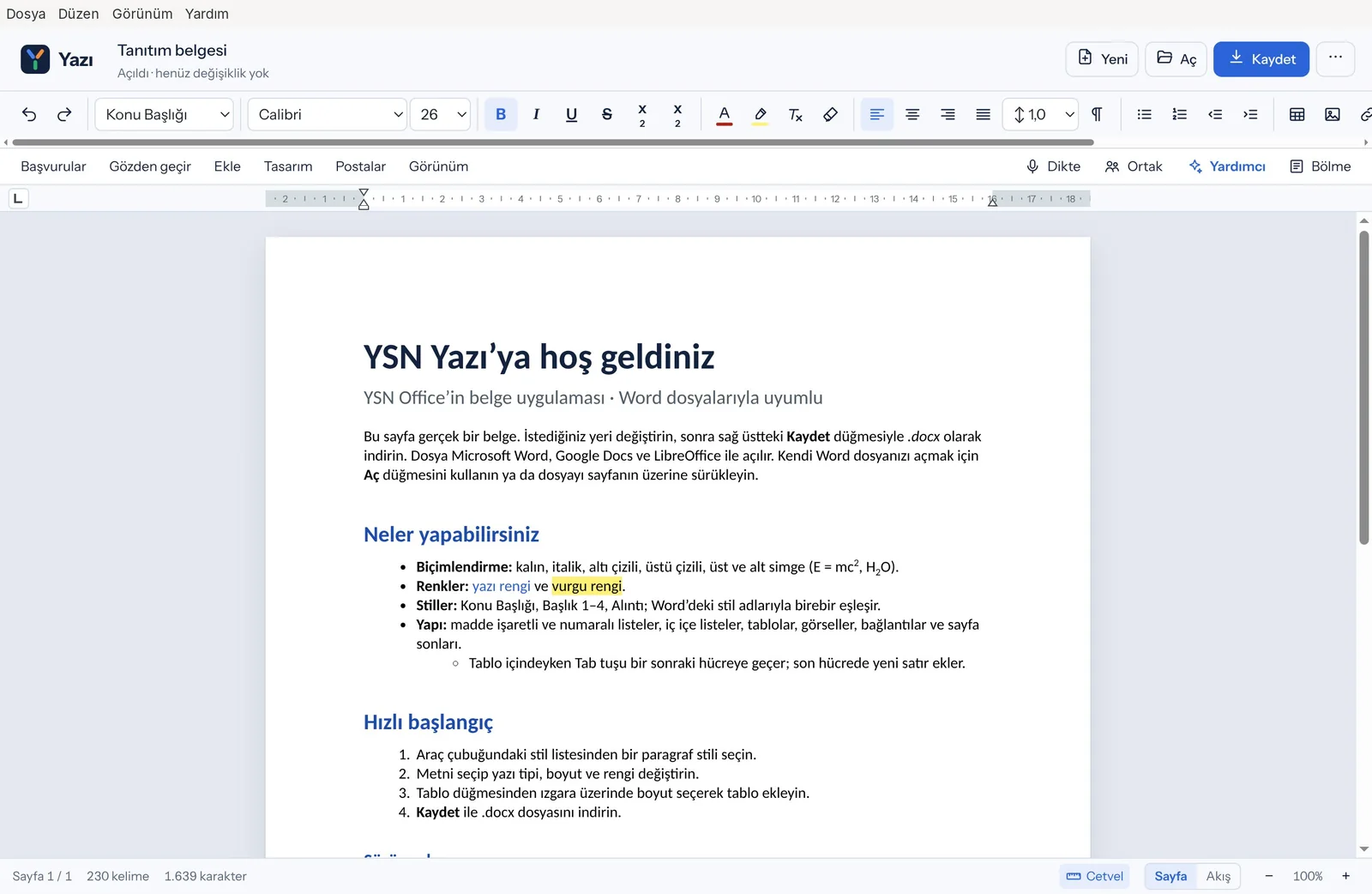
- More than 240 functions, under their Turkish and English names
- Charts, pivot tables, slicers and conditional formatting
- Dynamic arrays such as XLOOKUP, FILTER and SORT
- A 100,000-row file opens in two seconds
=TOPLA(B5:B11)in EnglishSUM(B5:B11)=EĞER(D5<0;"Over";"OK")in EnglishIF(D5<0,"Over","OK")YSN Sunum
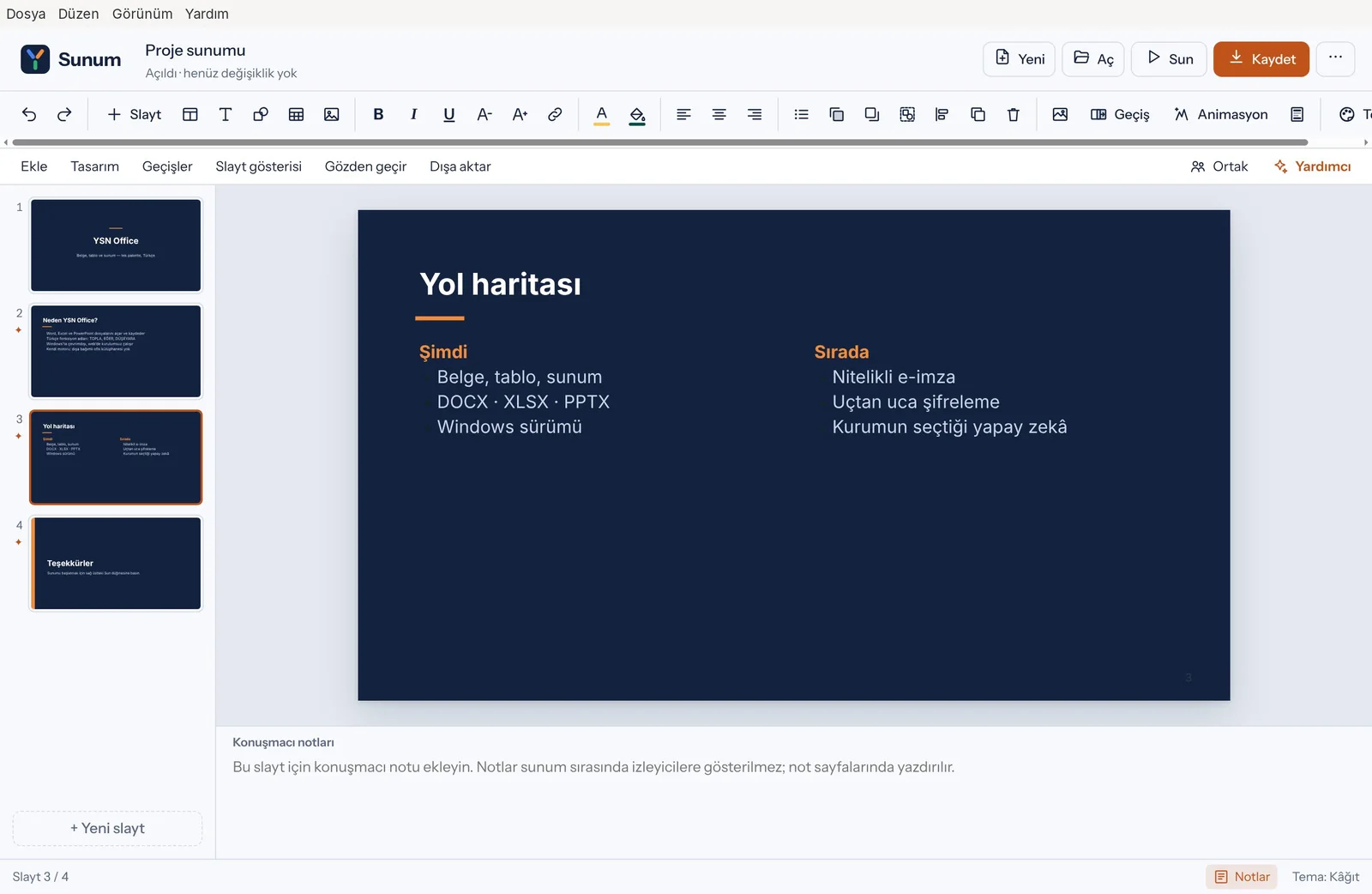
- Seven original themes; transitions, animations and Morph
- Presenter view: your notes, the next slide and a timer on a separate screen
- Charts, diagrams, video and audio
- Live captions while you present, translated into another language if you like
YSN PDF
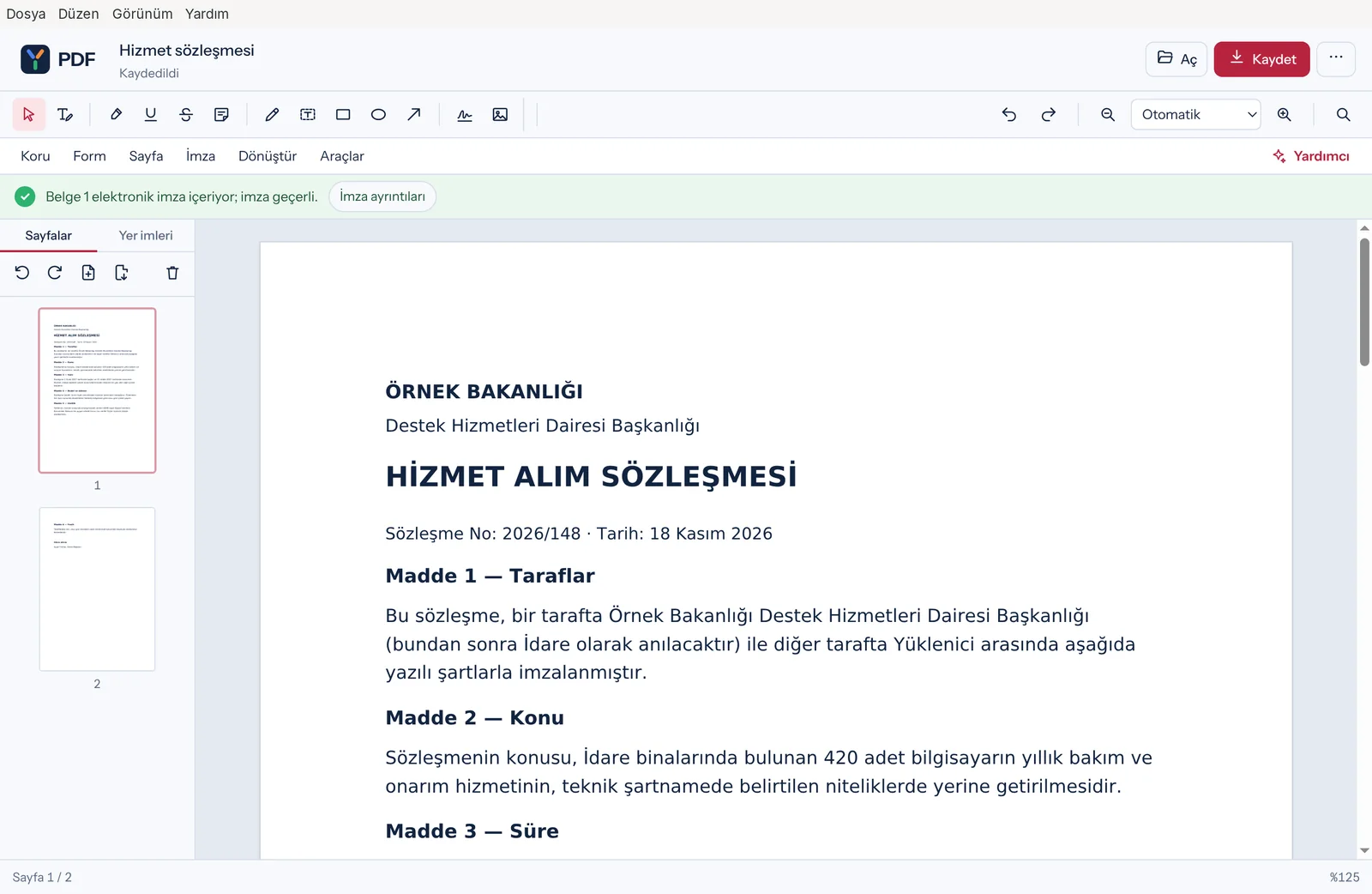
- Edit existing text, and text recognition (OCR) that handles Turkish
- Merge, split, rotate and reorder pages; fill in forms
- Electronic signatures (PAdES) and signature validation
- Redaction: finds Turkish ID numbers, IBANs and phone numbers and removes them for good
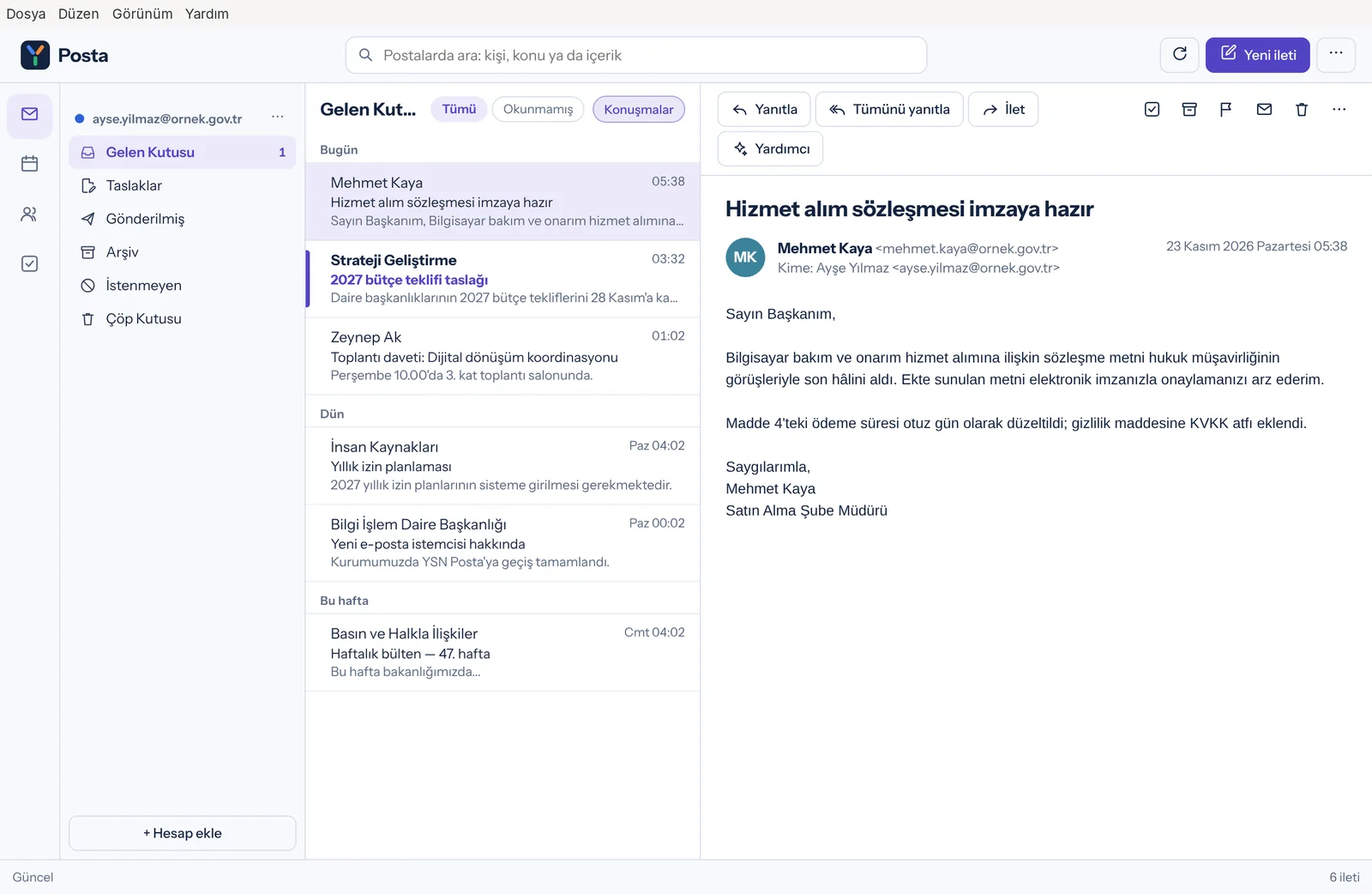
YSN Posta
- Your work email (IMAP, SMTP); one-click sign-in for Gmail and Outlook.com
- Calendar, meeting invitations, contacts and tasks
- Signed and encrypted email with S/MIME
- Automatic replies, scheduled sending, undo send
Desktop version only.
Lite in the browser, the full version on your computer
Lite is open to everyone and needs no account. The full version installs on Windows and Linux; the advanced features, Posta and the services that use a server are available only there.
| Feature | LiteIn the browser | Full versionWindows, Linux |
|---|---|---|
| Open and save Word, Excel, PowerPoint and OpenDocument (ODF) files | Yes | Yes |
| Edit and merge PDFs, fill in forms | Yes | Yes |
| Advanced features such as tables of contents, pivot tables and presenter view | No | Yes |
| YSN Posta, calendar, contacts | No | Yes |
| PDF e-signatures, S/MIME email, password-protected documents | No | Yes |
| Assistant: writing, summaries, formulas, translation, dictation | No | YesYSN server or your organisation’s own server |
| Co-editing | No | YesEnd-to-end encrypted |
| Price | Free | Free for individuals, licensed for organisations30-day trial |
Your organisation’s data stays with your organisation
YSN Office is built with public institutions in mind. Documents are processed on the computer; every feature that uses a server is optional and can be pointed at the organisation’s own server.
- The organisation chooses the AI
- The Assistant can run on a model hosted on the organisation’s own server, so text never leaves the organisation. IT administrators can enforce this on every computer with a policy file, or switch the Assistant off entirely.
- End-to-end encrypted co-editing
- The document is encrypted on the computer; the key is part of the sharing link and never reaches the server. Organisations can also run the relay on their own server.
- Signing and encryption
- PDFs are signed and validated in PAdES format with a .pfx certificate; emails are signed and encrypted with S/MIME; Office documents are protected with AES-256 passwords. Qualified e-signatures with KamuSM smart cards and Mobile Signature are next.
- No macros
- VBA macros are deliberately not supported: code that arrives with a document never runs on the computer.
YSN Office and the others
We don’t have every Microsoft Office feature yet, and we say plainly what is missing. The difference is in the price, in using it without an account, and in where your document stays.
| Feature | YSN Office | Microsoft 365Word, Excel, PowerPoint | Google DocsSheets, Slides | LibreOffice | ONLYOFFICEDesktop |
|---|---|---|---|---|---|
| Price for one person | FreeWith a free yearly key | Personal: ₺3,299.99/yearWeb version free with a Microsoft account | FreeWith a Google account | Free | Free |
| Business use | Yearly license per userBy quote, bank transfer | Apps for business: $10 per user per monthAnnual commitment, excluding tax | Business Starter: ₺71.20 per user per monthAnnual commitment | Free | Desktop free |
| In the browser without an account | Yes | NoNeeds a Microsoft account | NoNeeds a Google account | No web version | NoNeeds an account or your own server |
| Where the web version processes your document | Only in your browserNever sent to a server | OneDrive cloud | Google Drive cloud | — | Cloud or your own server |
| Windows desktop | Yes | YesOn paid plans | No | Yes | Yes |
| Linux desktop | Yes | No | No | Yes | Yes |
| Real-time collaboration | YesFull version, end-to-end encrypted | Yes | Yes | No | YesWith the cloud or a server |
| Charts, pivot tables, tracked changes | YesFull version | Yes | Yes | Yes | Yes |
Information taken from the vendors’ Turkish websites on 22 November 2026; prices and plans may change. Microsoft 365, Word, Excel and PowerPoint are trademarks of Microsoft Corporation; Google Docs is a trademark of Google LLC; LibreOffice is a trademark of The Document Foundation; ONLYOFFICE is a trademark of Ascensio System SIA. YSN Office is not affiliated with these companies.
Free for you, licensed for your organisation
The web version is free for everyone. In the desktop version, use by one person is free; use in companies and organisations needs a license.
Personal
Free
- Download the Windows or Linux version and try it for 30 days without a key.
- Sign up for free, confirm your email address and get your key from My account.
- Enter the key in the License window of the app. It is valid for one year; next year’s key is free as well.
Account pages are in Turkish for now.
Enterprise
Per user, per year
- One key works on as many computers as you license
- Paid by bank transfer, with an invoice
- The key arrives by email on the day your payment does
Details: License terms
Download YSN Office 0.4
No account needed to download. The first 30 days are a trial.
-
Download for Windows
Windows
Installer. Needs no administrator rights; adds Start menu and desktop shortcuts and can open .docx, .xlsx, .pptx, .odt, .ods, .odp and .pdf files.
-
Download .deb
Pardus and Debian
Installer package. Double-click it and choose Install; YSN Office is added to the applications menu and opens Word, Excel, PowerPoint, OpenDocument and PDF files.
-
Download AppImage
Other Linux distributions
A single file. Make it executable and open it; nothing to install, and it runs on most current distributions.
The installer is not digitally signed yet. If Windows shows a warning the first time you open it, click “More info” and then “Run anyway”.
What’s next
Planned for upcoming versions:
- iPhone, iPad and Android apps; until then the web version runs in the phone’s browserMobile
- Qualified e-signatures with KamuSM smart cards and Mobile Signature, and time stampsAll apps
- Encrypting documents with the recipient’s certificateAll apps
- Shared mailboxes and calendars, suggested meeting timesYSN Posta
- The older .doc and .ppt formatsYazı and Sunum
- A digitally signed Windows installerWindows
How it is built
YSN Office is written mostly in JavaScript; the interface is plain HTML and CSS, with no framework such as React or Vue. Where speed matters there is Rust: the engine that scans large Excel files is written in Rust and runs as WebAssembly. Lite in the browser and the full version on Windows and Linux come from the same code.
.exe installer.AppImage, .deb- Our own file format code
- The code that reads and writes Word, Excel, PowerPoint and OpenDocument (ODF 1.3) files, Tablo’s formula engine, PDF creation and e-signatures were written for YSN Office. Large files are opened in pieces without being copied into memory; when saving, unchanged parts are copied as they are. Compression and encryption use the browser’s built-in CompressionStream and WebCrypto interfaces.
- Few outside components
- PDF.js to display PDF pages, Tesseract for text recognition, and Nodemailer, ImapFlow and mailparser for email in YSN Posta. All are open source and ship inside the installer.
- Strict rules
- Only the app’s own scripts run; scripts that arrive inside a document or an email never do. The program can reach only the files you open or save.
- Passwords in the system keychain
- Email passwords, certificate passwords and the AI key are encrypted with the operating system’s keychain. On the few Linux desktops without one, they are kept in a file that only your user account can read.